![J5create JUP4275 4 - Port USB - PD 75W 桌上型充電器 [香港行貨] - DIGIBAL ONLINE1](https://img.myshopline.com/image/store/1759472791688/j5create-jup4275-4-port-usb-pd-75w-digibal-online-688419.jpg?w=400&h=400)
![J5create JCD375 9 合 1 SuperSpeed+ USB - C 3.1 Gen2 模組化 多功能擴充集線器 [香港保養] - DIGIBAL ONLINE1](https://img.myshopline.com/image/store/1759472791688/j5create-jcd375-9-1-superspeed-usb-c-31-gen2-digibal-online-656353.webp?w=600&h=600)
![JNC 靜音循環風扇 (6寸) [香港行貨] - DIGIBAL ONLINE1](https://img.myshopline.com/image/store/1759472791688/jnc-6-digibal-online-503451.webp?w=731&h=757)
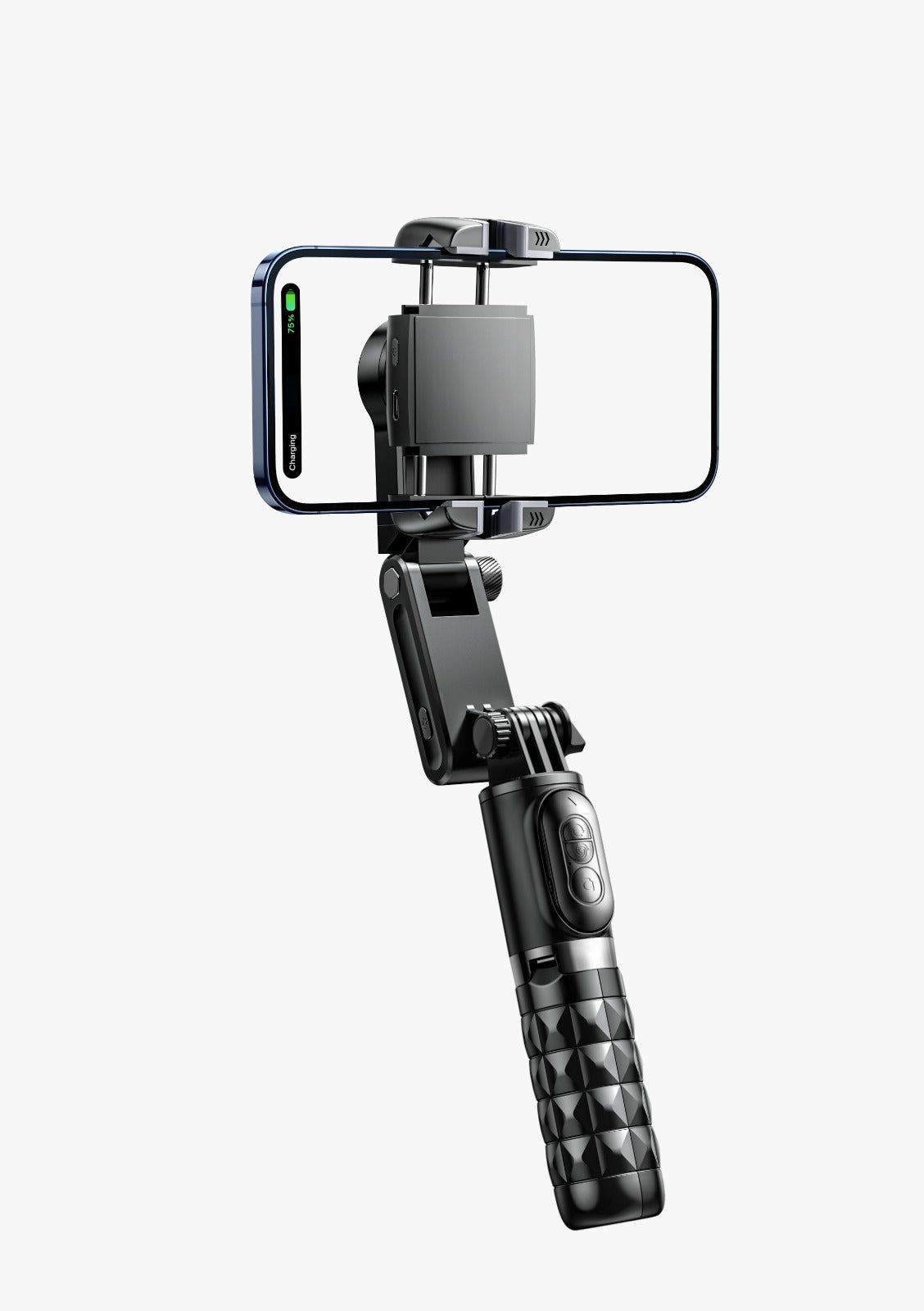
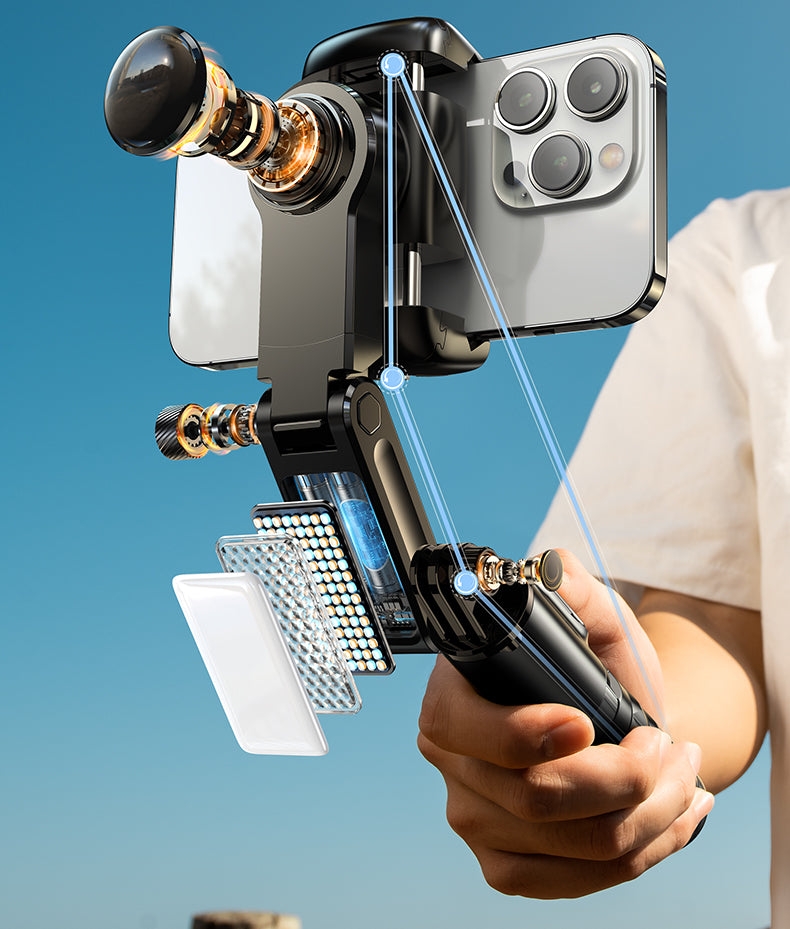
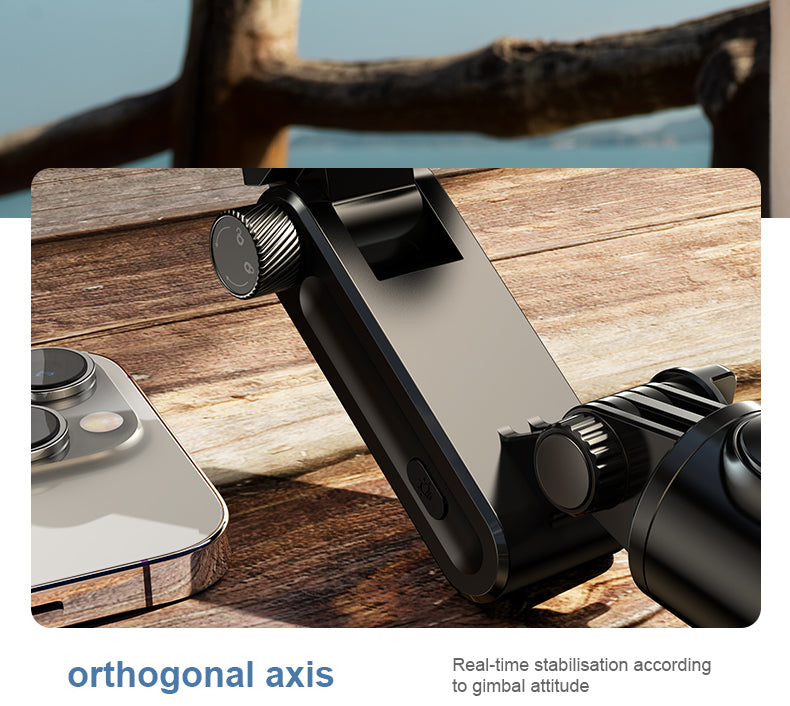
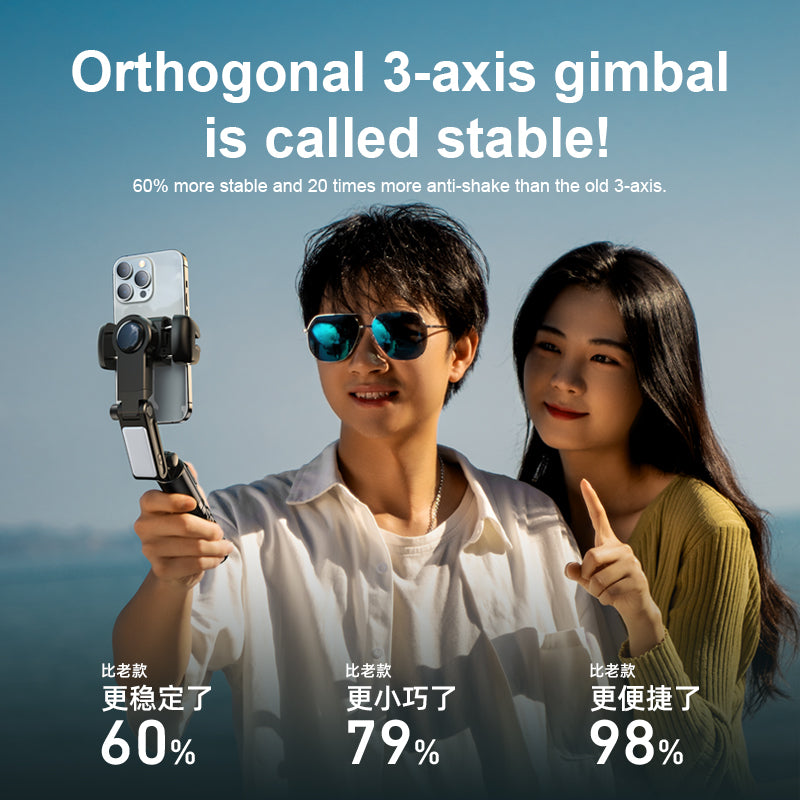
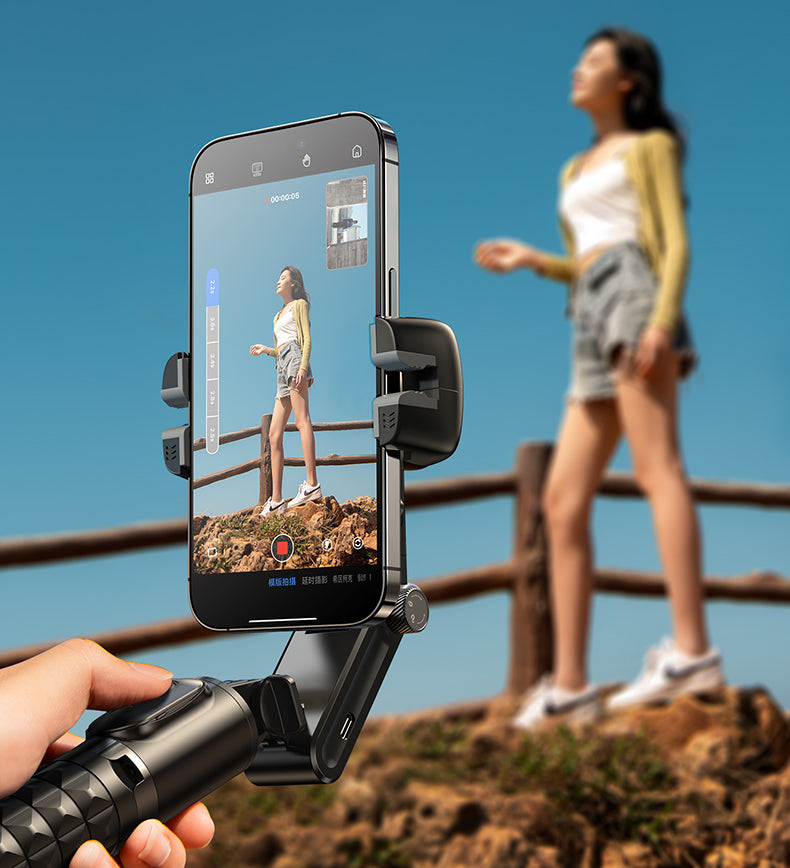
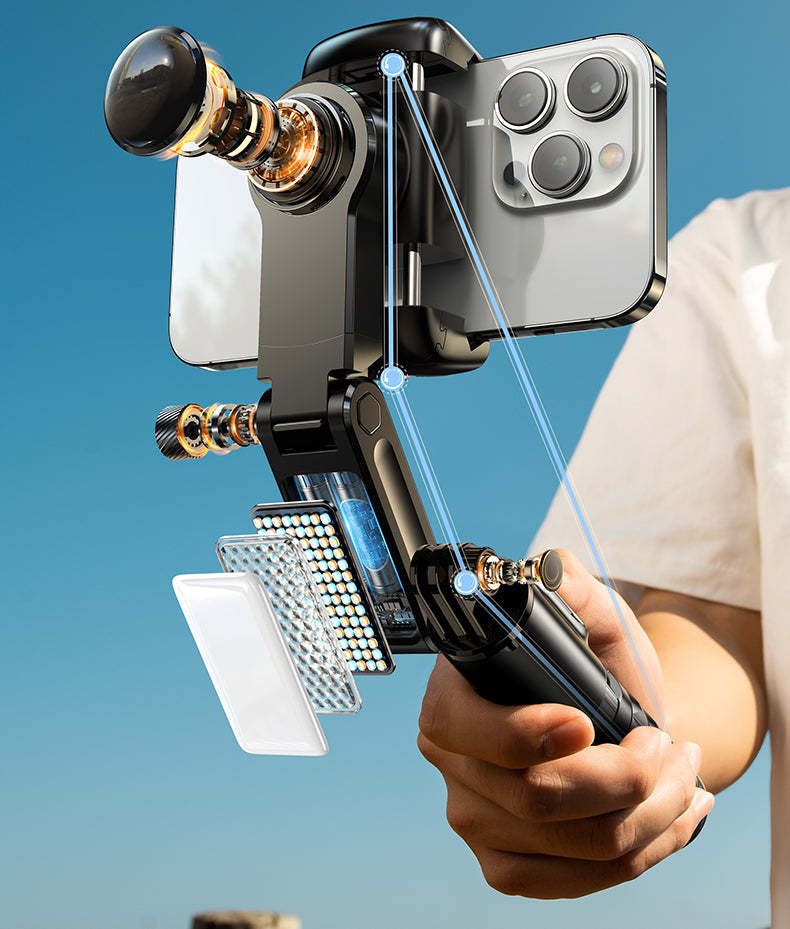
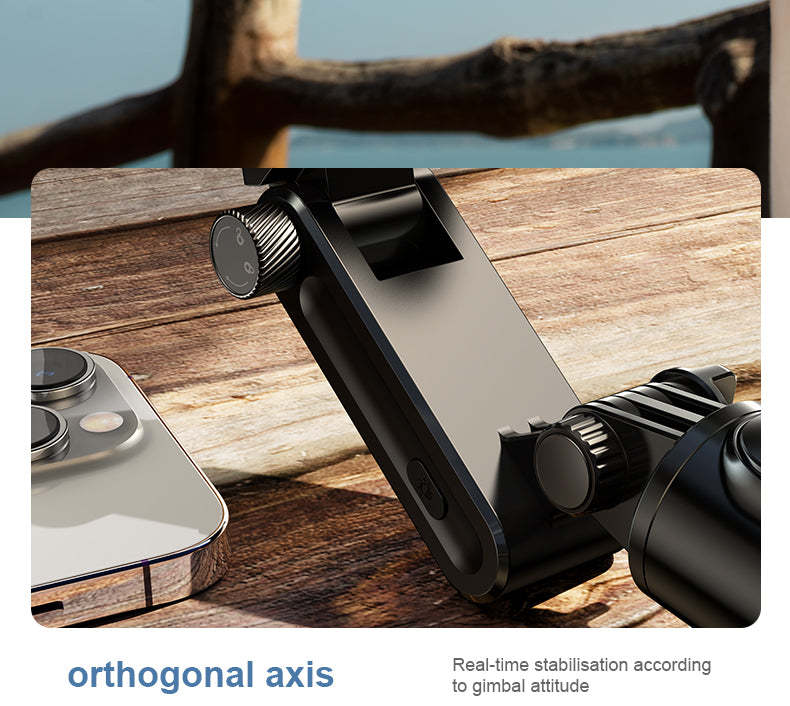
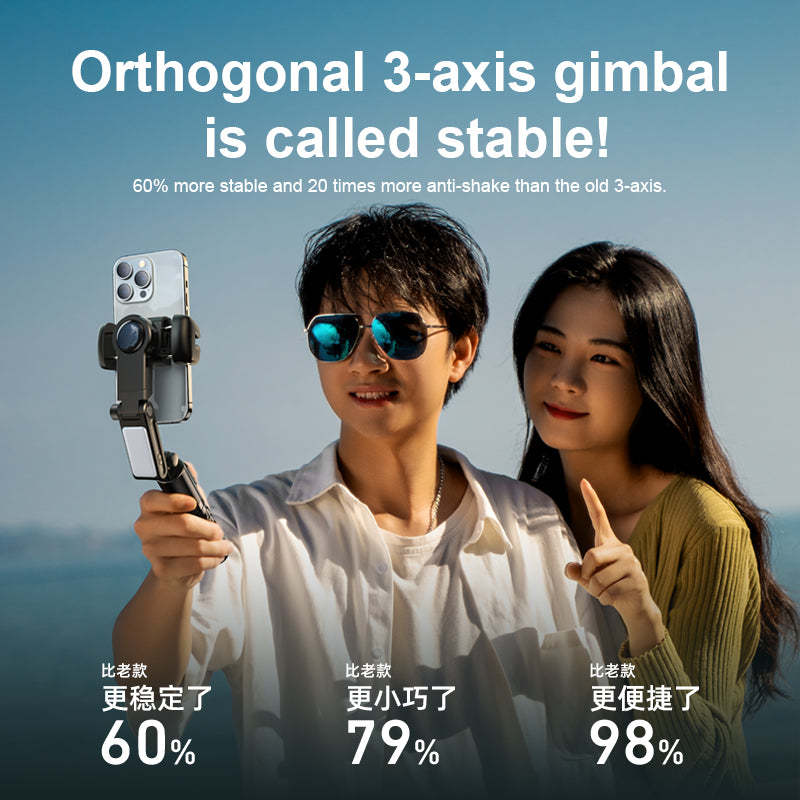
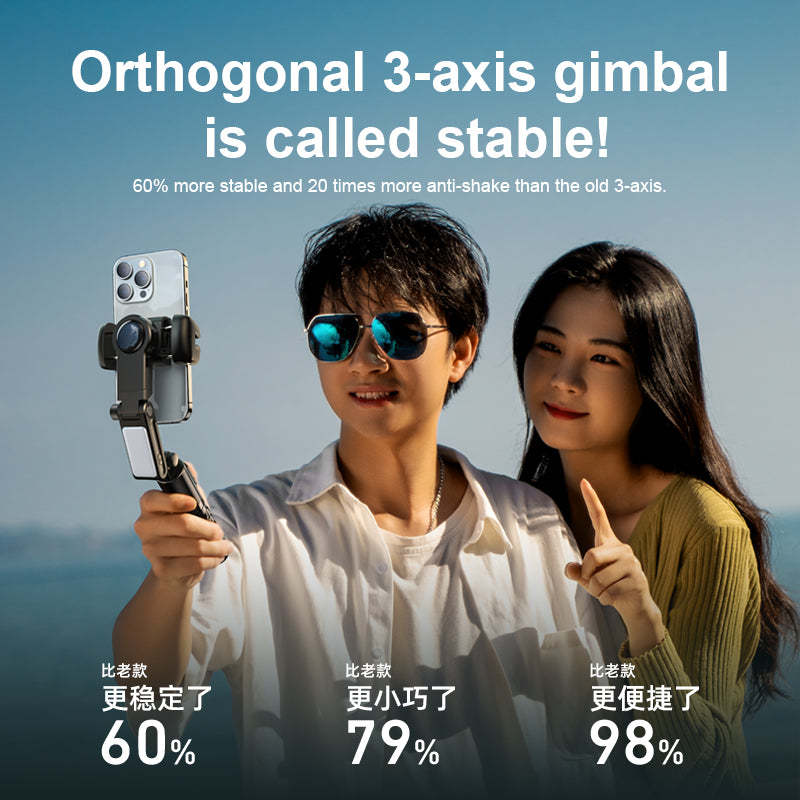
RTAKO Q18 2nd generation professional anti-vibration face tracking folding 3-axis gimbal [Hong Kong licensed]
退換貨政策
保養條款:
[香港行貨]
此類產品可獲香港品牌方或總代理提供香港保養。不同品牌產品會提供不同的保養期限,大部分產品可獲1年香港保養,除特別詮明
水貨產品:
[日版]
本平台亦會銷售平行進口產品,亦稱水貨產品。
水貨產品不設香港保養,本平台會提供90天購物保障。平行進口產品的插頭為當地國家插頭,如日版產品只會提供日本插頭,客人需要自行配購轉插,客人亦可於本公司購買不同的旅行轉插為轉插使用。公司所出售的平行進口產品都是國際電壓,不需要使用變壓器
運費
本地訂單滿$100 免運費送順豐櫃/香港郵政
本地訂單滿$250 免運費送上門 (順豐/京東),(不包括電腦產品子零件如SSD/電腦螢幕等等)
電腦產品子零件如SSD/電腦螢幕,運費則由$30-$60 不等,實際運費會在購物車後顯示
**詳細運費將會於結帳頁前列明,運費以結帳頁的銀碼為準
澳門:
| 0kg–1.5kg | HK$30.00 HKD |
| 1.5kg–2kg | HK$35.00 HKD |
| 2kg–2.5kg | HK$42.00 HKD |
| 2.5kg–3kg | HK$51.00 HKD |
| 3.5kg–5kg | HK$100.00 HKD |
澳門的訂單運費由$30 起,產品運費取決於訂單重量,最終運費將會於產品頁顯示
交收:
本公司提供有限度交收安排,如客人想安排交收,請聯絡客服人員。
**************************************************************
海外訂單(INTERNATIONAL SHIPPMENT)
POWERBANK/充電器 產品只能出貨至香港及澳門地區
海外運費的金額隨於產品的重量而改變,客戶可於結帳頁參巧所需要的運費。因為海外運費的不確定性,本公司會於訂單出貨前查核所需要收取的運費,客戶有機會需要補付海外運費,如客戶覺得運費偏高,客戶可選擇終於訂單,本公司將會安排退款
如訂單需要寄送海外,本公司建議客戶於下單前查詢客服運費。
客人亦需要留意,不同國家有機會需要收取產品的進口關稅,而當中的進口關稅由客人負責,而本公司不會負責任何海外訂單的進口關稅
運費請於下單前向客服查詢:
**************************************************************
**客人需要負責填寫 正確 的郵寄地址及聯絡電話。本公司將不會承擔因資料的錯失而導致的任何損失** 如因此需要重寄,客人需要負責所產生的額外郵費
💕Stabilizer mode (with remote controller)
👍Switch between horizontal and vertical shooting modes: You can easily switch between horizontal and vertical shooting modes.
👍Jumping Inception: Realize jumping Inception and expand the shooting field of view.
👍POV Mode: Can strongly convey a personal perspective or capture the context of an action scene, creating unique and engaging visuals while increasing audience engagement.
👍Hitchcock effect: Also known as "zoom shot," this effect creates a visual effect by using different lens focal lengths. The stabilizer enables smooth zooms, creating fascinating visual changes in your footage. For example, zooming out on a subject from a distance and then suddenly zooming in on it can heighten the drama.
👍Time-lapse photography: Time-lapse photography is a technique that takes a series of photos continuously and then combines them into a movie.
👍Clockwise/Counter-clockwise Reverse: Instantly rotate the picture needle to achieve counter-clockwise rotation, which can be used to highlight specific actions and enhance drama and visual appeal.
💕Special App (with remote control):
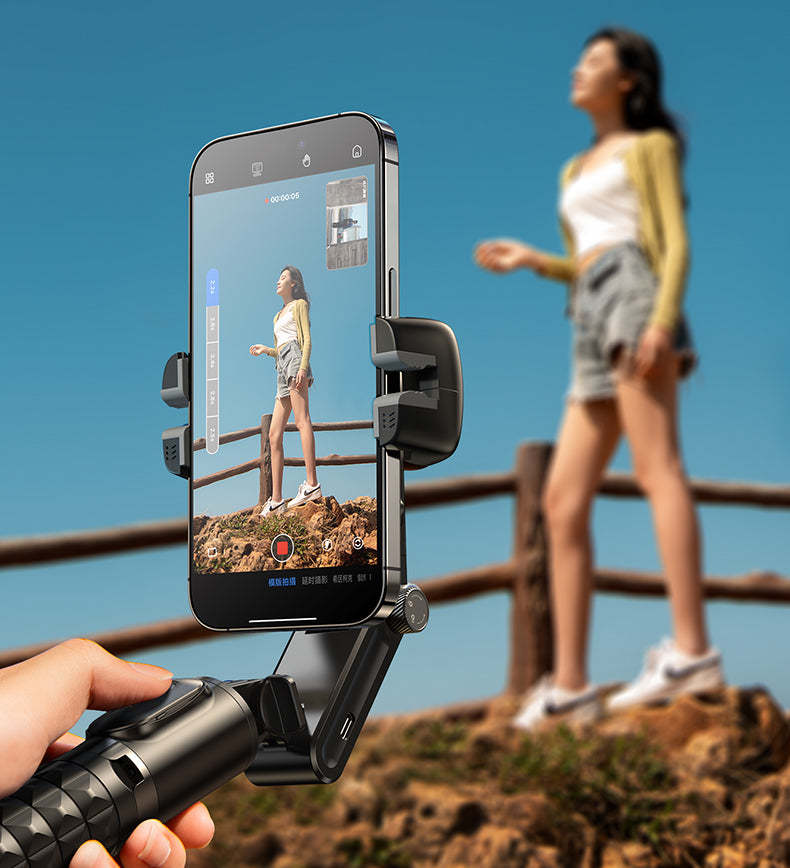
👍Remote control: Through the App, you can remotely control the camera, including starting and stopping recording, taking photos, adjusting the focus, etc., which is suitable for difficult shooting or special situations.
👍Instant preview: Apps usually provide an instant preview function, allowing you to see the screen of your photos or videos. This enables you to tweak the settings to ensure you get the results you want.
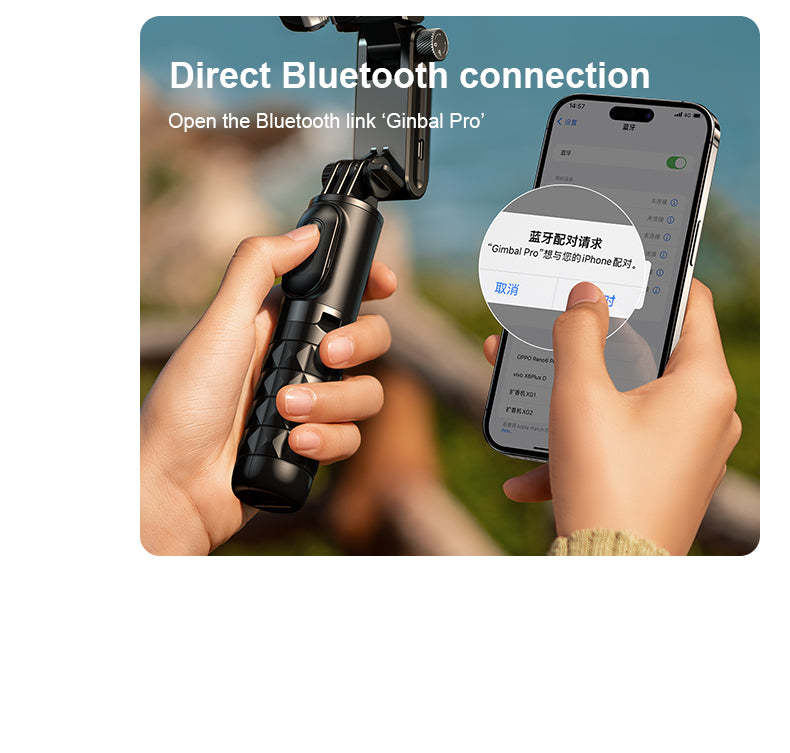
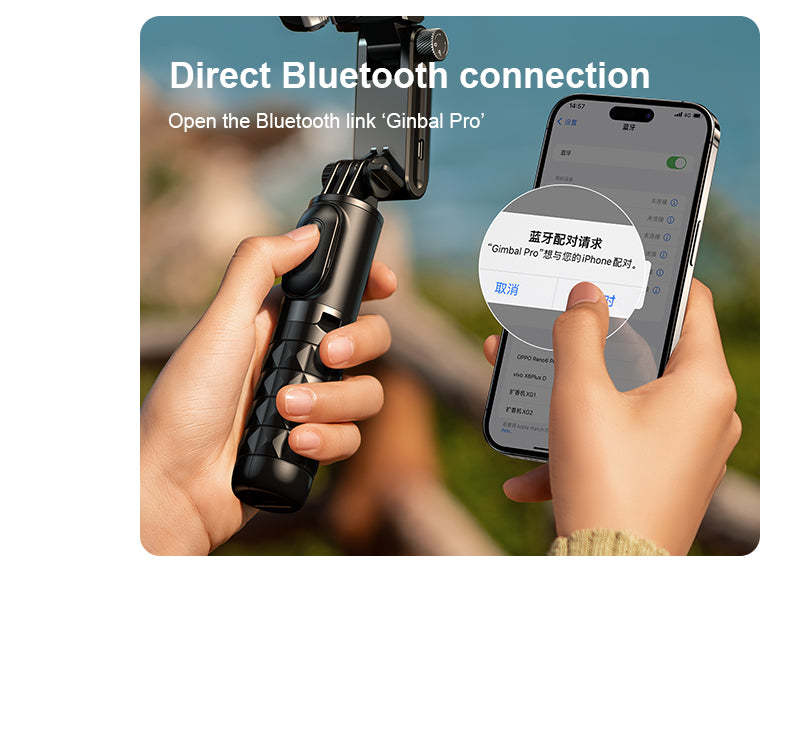
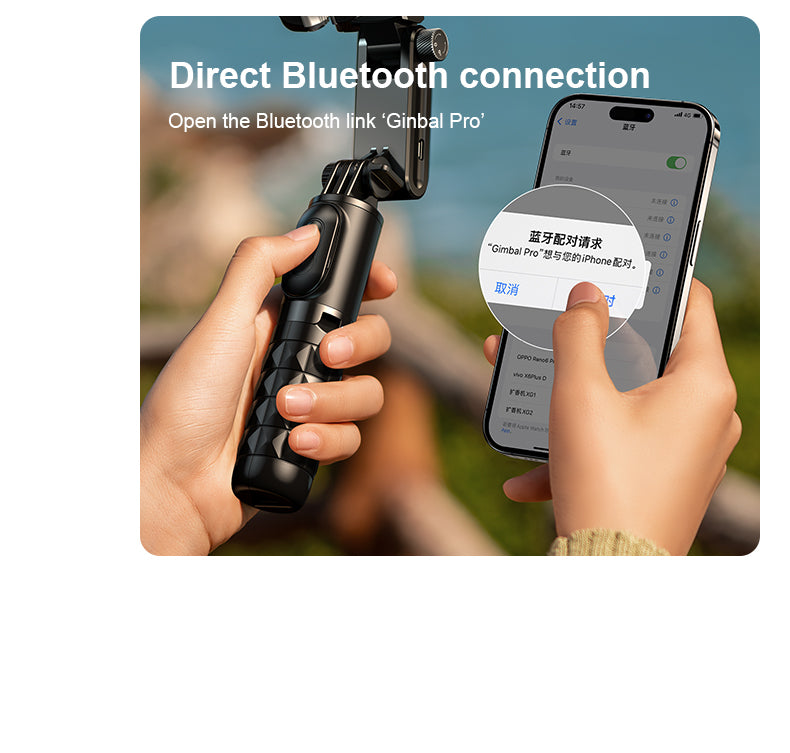
👍Instant Sharing and Storage: When combined with Bluetooth and App, you can instantly share your photos and videos to social media or cloud storage. This makes it very easy to share and share your creations with others.
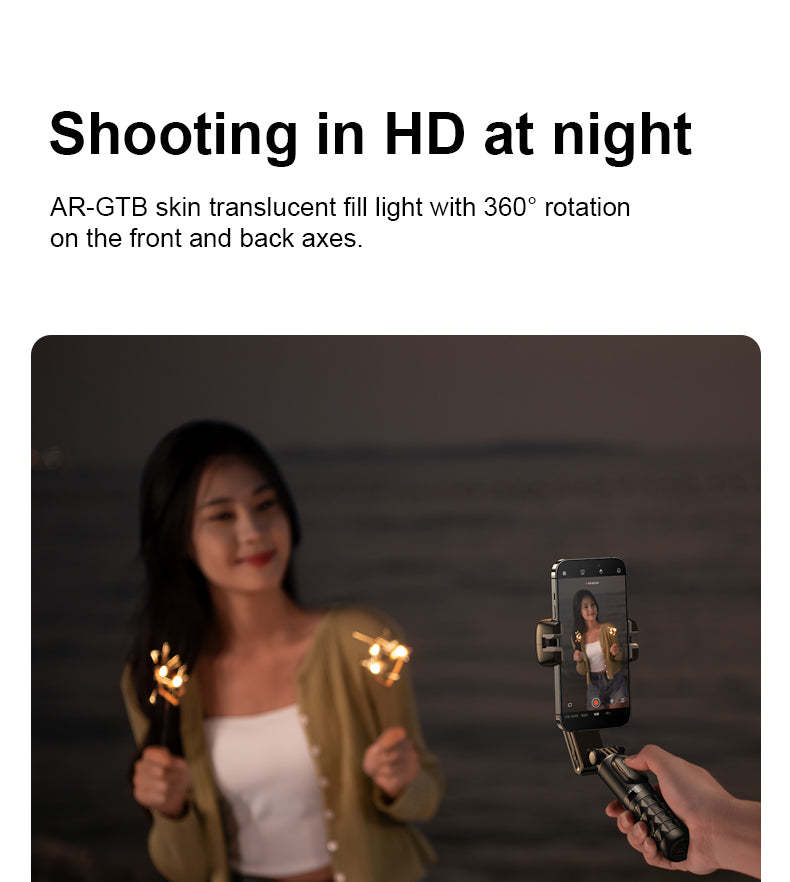
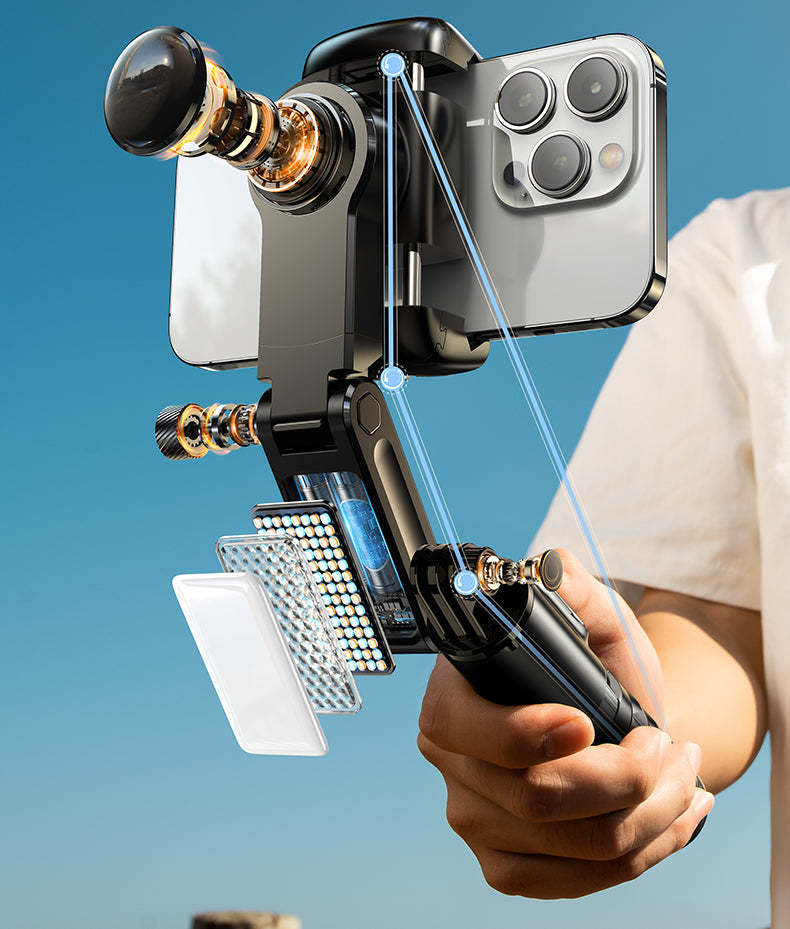
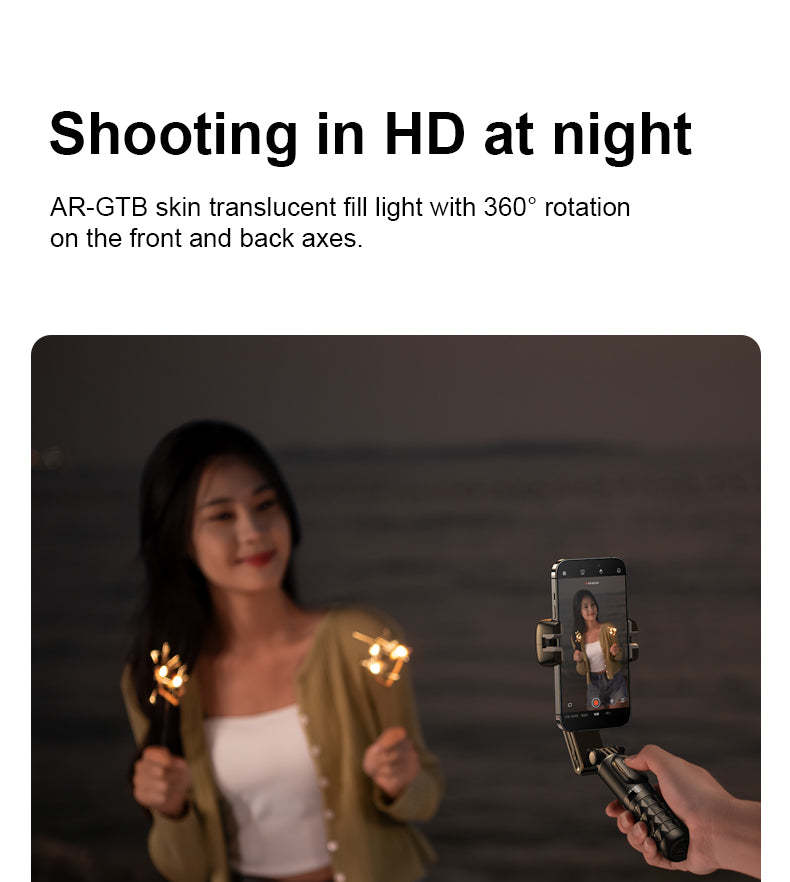
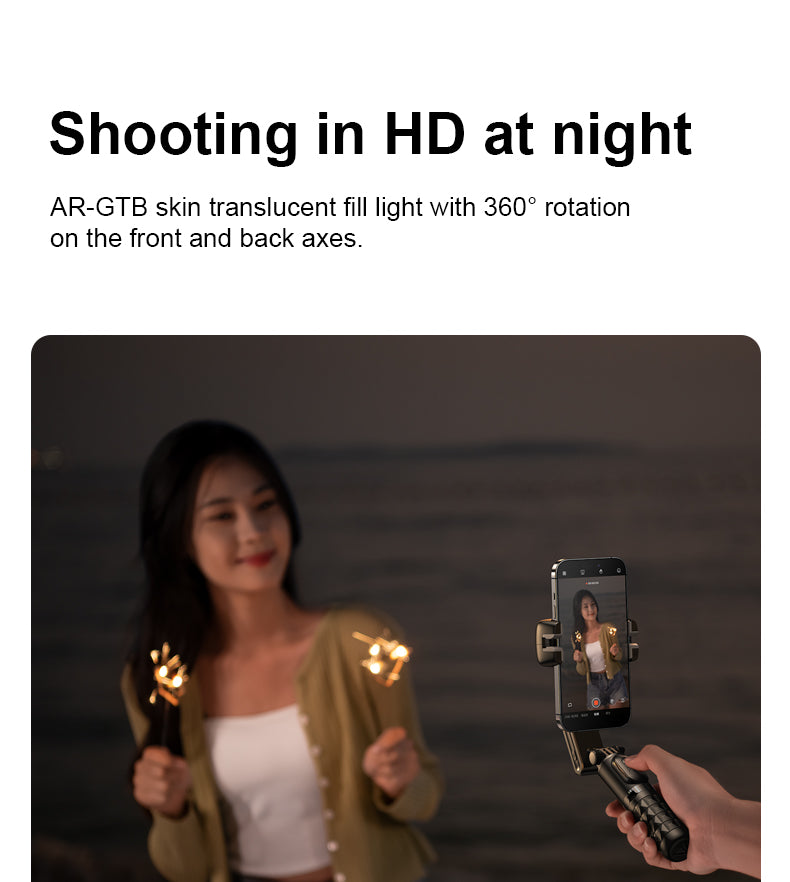
💕Multi-purpose fill light: can be used for fill light shooting, selfie fill light, live broadcast fill light
📌Rotate the phone holder to realize front and back light sources
👍Overall shooting effects: such as contour lighting or backlighting effects, increase the visual appeal of videos and photos.
👍Portrait Photography: Front and rear light sources can help soften facial features, make skin appear smoother, and reduce the visibility of wrinkles and blemishes.
👍3 colors and 9 levels: Adjustable warm light, cool light and neutral light, each mode has three levels of intensity adjustment, whether it is warm ambient lighting or cold-toned dramatic effects, a variety of color temperature options allow you to adapt to different scenes and shooting needs, creating a variety of atmospheres and effects.
📌Flash mode:
👍Speed and frequency control: Faster flashes can create a surprising atmosphere, slower flashes can create a dramatic atmosphere.
👍Create special effects: such as simulated lightning, fireworks or neon effects to increase visual appeal.
👍Highlight and Shadow Contrast: The alternating light and dark of the strobe mode can highlight the subject, creating attractive highlight and shadow contrast, making the photo or video more fascinating.
📌Fill light operation instructions:
1. Long press to turn on/off; single press to dim; double press to flash mode
2. Lighting mode: white light/warm light/white + warm light x soft light/medium light/strong light
📌Remote control operation instructions:
1. Rotation button: Single click - switch between horizontal and vertical shooting; Double click - jump Inception mode; Long press - clockwise Inception mode
2. Vortex key: single click - POV semi-follow mode; double click - 260-degree Inception mode; long press - counterclockwise Inception mode
3. Camera button: long press - power on/off; single press - take photo or record video (start/stop)
📌Desktop PTZ Operation Instructions:
1. Rotation button: Single click - small rotation to the left; Double click - automatic PTZ face tracking; Long press - continuous rotation to the left
2. Vortex key: Single click - slightly rotate to the right; Double click - cancel face tracking; Long press - continuously rotate to the right
3. Camera button: long press - power on/off; single press - take photo or record video (start/stop)
☛Product Specifications
🔰Product material: ABS+aluminum alloy
🔰Product specifications: 155x75x66 mm
🔰Net weight: 260g
🔰Gimbal battery life: 2-3hr
🔰Gimbal battery: 500mAh
🔰Mobile phone size: 45-83mm (horizontal), 7-14mm (vertical)
🔰Bluetooth version: V4.2
🔰System compatibility: Android 4.4, iOS 5.1
🔰Fill light battery: 400mAh
🔰Fill light usage time: 1.5hr
🔰Fill light color temperature: 3000k-6500k
🔰Fill light power: 1.2ww
Warranty: One-year warranty from the general agent in Hong Kong


How to use the PTZ bracket:
1. Hold the phone in place to keep it balanced, and press and hold the gimbal power button for 5 seconds to turn it on, or press and hold for 3 seconds to turn it off.
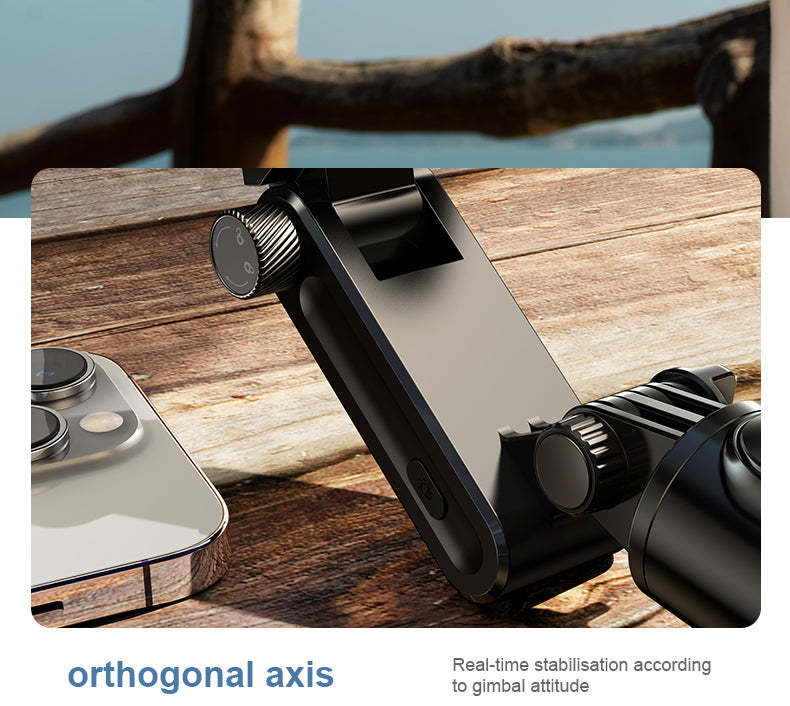
2. The green light flashes to enter the steady shooting mode. Shake the handle left and right, and the gimbal will always remain horizontal.
3. Push the lock ring outwards, slide it upwards to lock the gimbal, and push it downwards to unlock (the lock ring needs to be flattened to lock)
4. The red light flashes to remind you of low battery. When charging, the red light stays on. When fully charged, the red light goes out.
How to use the fill light:
1. Long press to turn on/off; then single click to dim
2. Lighting mode: single click switch white light - soft light, medium light, strong light
Warm light-soft light, medium light, strong light
Mixed light - soft light, medium light, strong light (long press the power button at any time to turn off the light and save)
3. Double-click the switch to enter the flash mode
How to use the multi-function remote control:
1. Rotation button: Single click - switch between horizontal and vertical shooting; Double click - jump Inception mode; Long press - clockwise Inception mode
2. Vortex key: single click - POV semi-follow mode; double click - 260-degree Inception mode; long press - counterclockwise Inception mode
3. Camera button: Single-press for 2 seconds to turn on/off; long press to take photos or record videos (on/off)
🎯 Notes
1. The Bluetooth remote control is compatible with Android 4.4 and above and iOS 5.1 and above
(If you have changed the system's "volume key function" under the phone's camera options, be sure to change it back to the default.
Or "take a photo" to use it normally)
2. Steady shooting mode: best used within the 3-section telescopic pole (about 50 cm)
3. Selfie mode: It is recommended to use within the 5-section telescopic pole (about 70 cm)
4. The battery should not be exposed to sunlight, fire or overheating.
5. When clamping the phone, make sure the clamp is tight.